
94% of consumers read online reviews before making a purchase decision. Yet most small businesses are doing review requests completely wrong – and it's costing them customers, rankings, and revenue.
Here's the harsh truth: If you're blasting generic review requests to every customer or begging for 5-stars after every transaction, you're not just annoying people. You're actively damaging your reputation and pushing potential reviewers away.
The good news? There's a better way. Follow these 5 proven steps to collect authentic Google reviews without turning customers into enemies.
STEP 1: MASTER THE TIMING GAME
Timing is everything when it comes to review requests. Ask too soon, and customers haven't had time to fully experience your service. Ask too late, and they've forgotten about you entirely.
The sweet spot? 24-48 hours after purchase or service completion. This is when customer satisfaction is highest and the experience is still fresh in their minds. Studies show this timing window generates 3x higher response rates compared to requests sent a week later.
But here's the critical part most businesses mess up: frequency control. Don't ask for reviews after every single interaction. Instead, set intelligent intervals:
- First-time customers: Wait for their second purchase before asking
- Repeat customers: Request reviews every 3-4 transactions maximum
- Service businesses: Ask once per quarter, not after every appointment
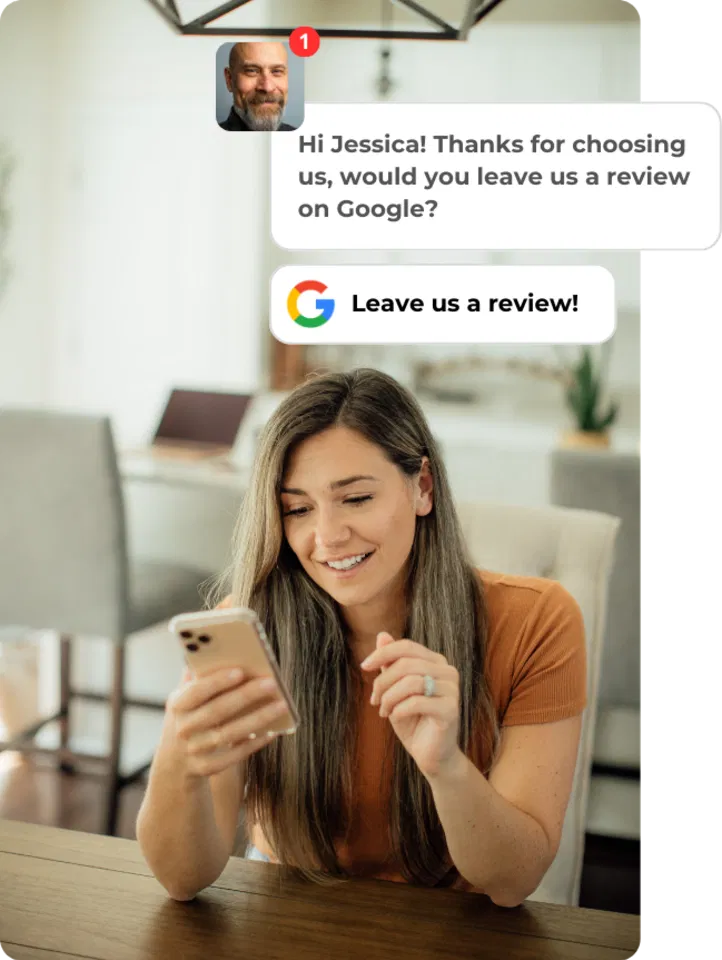
Brand Defender's automated timing system handles this perfectly. Our software tracks customer interaction history and only sends requests at optimal moments, preventing review fatigue while maximizing response rates.
STEP 2: PERSONALIZE EVERY REQUEST (NO EXCEPTIONS)
Generic review requests scream "mass marketing" and get ignored or deleted. Personalized requests feel genuine and increase engagement by 41%.
Here's what personalization actually looks like:
Instead of: "Hi there! Please leave us a review!"
Try this: "Hi Sarah! Thanks for choosing our brake repair service last Tuesday. Mike mentioned you were happy with how quickly we got your Honda back on the road. Would you mind sharing your experience on Google?"
Key personalization elements:
- Use their actual name (not "Valued Customer")
- Reference their specific purchase or service
- Mention the team member who helped them
- Include relevant details about their experience
Pro tip: If you're handling dozens of customers daily, this level of personalization seems impossible. That's where automation with intelligence comes in. Brand Defender pulls customer data, service details, and staff interactions to create genuinely personalized requests automatically.
STEP 3: CHOOSE YOUR CHANNEL STRATEGICALLY
Not all customers want to be reached the same way. Some prefer email, others respond better to text messages, and many appreciate in-person requests. The most successful businesses use a multi-channel approach.
EMAIL REQUESTS (Most Effective)
- Highest response rate when personalized
- Include direct link to Google review page
- Send from owner or manager's personal email when possible
- Keep subject line simple: "Quick favor, Sarah?"
IN-PERSON REQUESTS (Highest Quality)
- Ask immediately after positive interactions
- Offer tablet or smartphone for instant reviews
- Perfect for retail, restaurants, and service businesses
- Response rate: 60-70% when done correctly
SMS FOLLOW-UP
- Great for younger demographics
- Keep it under 160 characters
- Include direct Google review link
- Use only with permission
SOCIAL MEDIA
- Respond to positive comments with review requests
- Share customer success stories and ask for reviews
- Perfect for building social proof
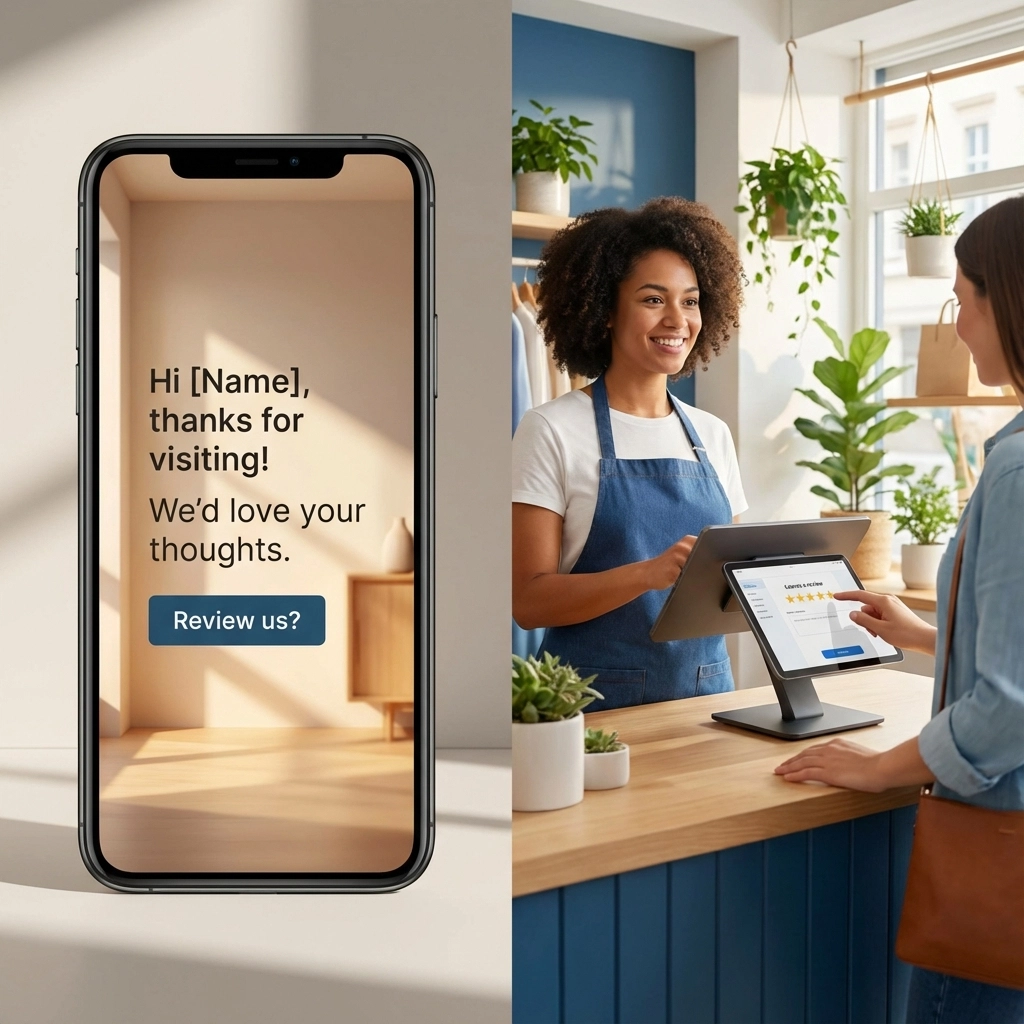
The Brand Defender advantage: Our platform automatically determines the best channel for each customer based on their preferences and interaction history, then sends requests through their preferred method.
STEP 4: ELIMINATE ALL FRICTION
Every extra step you add kills your response rate. Make leaving a review as simple as clicking a single link.
REMOVE THESE BARRIERS:
- ❌ "Please visit our Google page and scroll down to reviews"
- ❌ Making customers search for your business
- ❌ Asking them to create accounts or log in
- ❌ Long, complicated instructions
DO THIS INSTEAD:
- ✅ Include direct Google review link in every request
- ✅ Use QR codes on receipts and business cards
- ✅ Provide step-by-step screenshots if needed
- ✅ Offer to help elderly customers leave reviews in-person
Sample friction-free request:
"Hi John! Hope you're loving your new HVAC system. Would you mind leaving a quick Google review? Just tap this link: [Direct Google Review Link]. Takes 30 seconds. Thanks!"
Brand Defender automatically generates direct Google review links for your business, eliminating the guesswork and making it effortless for customers to find your review page.
STEP 5: ASK SMART QUESTIONS (NOT GENERIC ONES)
Generic requests generate generic reviews. Specific questions create detailed, keyword-rich reviews that actually help your SEO and provide social proof.
AVOID: "Please leave us a 5-star review!"
TRY THESE INSTEAD:
- "What did you think about our same-day service?"
- "How was your experience with Tom, your technician?"
- "Would you recommend our Sunday hours to other families?"
- "What surprised you most about our process?"
Why this works:
- Gives customers a starting point for their review
- Generates longer, more detailed reviews
- Creates keyword-rich content for SEO
- Shows genuine interest in their experience
Industry-specific question examples:
Restaurants: "How was the atmosphere for your anniversary dinner?"
Auto Repair: "Did we explain the repair process clearly?"
Healthcare: "How did our staff make you feel comfortable?"
Retail: "Did you find everything you needed today?"
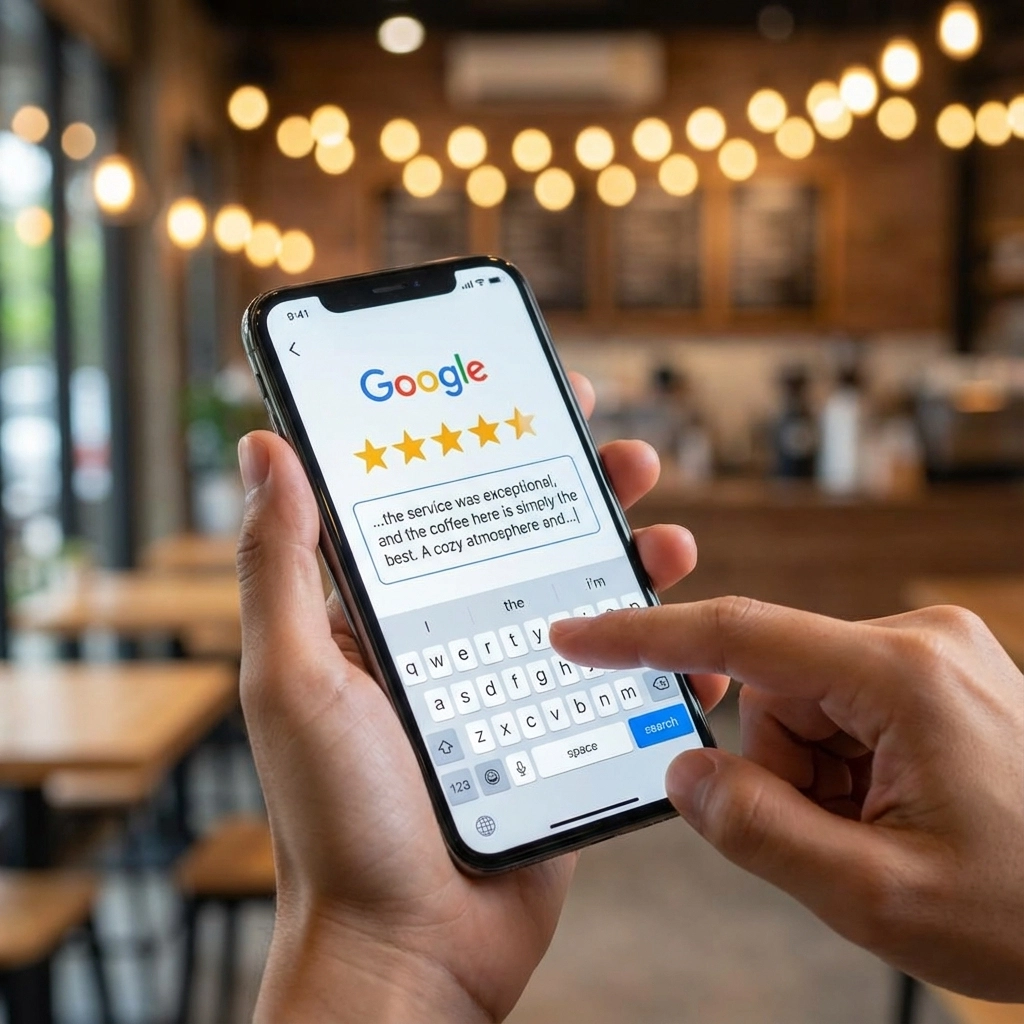
THE BRAND DEFENDER DIFFERENCE
Managing review requests manually is time-consuming and inconsistent. Brand Defender automates the entire process while maintaining that personal touch:
AUTOMATED TIMING: Never miss the optimal request window again
SMART PERSONALIZATION: Every message feels handwritten
MULTI-CHANNEL DELIVERY: Reach customers where they prefer
FRICTION-FREE LINKS: Direct paths to your Google review page
INTELLIGENT FOLLOW-UP: Gentle reminders that actually work
Plus, once you start collecting more positive reviews, Brand Defender helps you:
- Promote your top reviews on social media
- Monitor and respond to all reviews from one dashboard
- Filter and showcase your best reviews across marketing channels
WHAT NOT TO DO (CRITICAL MISTAKES)
Even with the right strategy, these mistakes can kill your review collection efforts:
❌ DON'T offer incentives for reviews (violates Google's policies)
❌ DON'T ask only happy customers (looks fake and unnatural)
❌ DON'T block or discourage negative feedback (handle it professionally instead)
❌ DON'SPAM customers with daily review requests
❌ DON'T fake reviews (Google's AI detectors are getting smarter)
START COLLECTING REVIEWS THE RIGHT WAY
The businesses winning in 2026 aren't the ones with the most reviews – they're the ones with authentic, detailed reviews from real customers.
Stop annoying your customers with generic review requests. Start using these 5 strategic steps to build genuine social proof that drives more traffic, builds trust, and grows your revenue.
Ready to automate your review collection while keeping that personal touch? Brand Defender handles the timing, personalization, and follow-up automatically – so you can focus on delivering amazing customer experiences while we handle the reviews.
Try Brand Defender risk-free and start collecting better reviews without the hassle.