
Let's be honest: asking patients for reviews can feel awkward. You went to medical school to help people, not to become a marketing expert. But here's the thing: Google reviews matter more than ever for medical practices in 2026.
Patients check reviews before booking appointments. They want to know what others experienced before trusting you with their health. And if your practice has only a handful of reviews (or worse, none), you're invisible to potential patients searching online.
The good news? You can build a solid review base without turning into a pushy salesperson. This guide breaks down exactly how to get 50+ Google reviews while keeping your professional reputation intact.
WHY REVIEWS MATTER FOR MEDICAL PRACTICES
Before diving into the how, let's talk about the why.
Nearly 75% of patients check Google reviews before choosing a healthcare provider. They're looking for:
- Proof of quality care : Real experiences from real patients
- Red flags : Patterns of complaints or concerns
- Personality fit : Will this doctor listen to me?
Here's an interesting stat: almost 44% of patients report never being asked for a review. That means most of your happy patients would leave one: they just need a gentle nudge.
STEP 1: SET UP YOUR GOOGLE BUSINESS PROFILE
You can't collect Google reviews without a Google Business Profile. Sounds obvious, but you'd be surprised how many practices skip this step or leave their profile half-finished.
Here's what to do:
- Claim your Google Business Profile if you haven't already
- Verify your practice information (address, phone, hours)
- Add photos of your office and team
- Choose the right category for your specialty
- Write a clear, friendly description of your services
Once your profile is set up, you'll have a direct link you can share with patients. This link takes them straight to the review form: no searching required.
STEP 2: AUTOMATE YOUR REVIEW REQUESTS
This is the least pushy approach, and it works incredibly well.
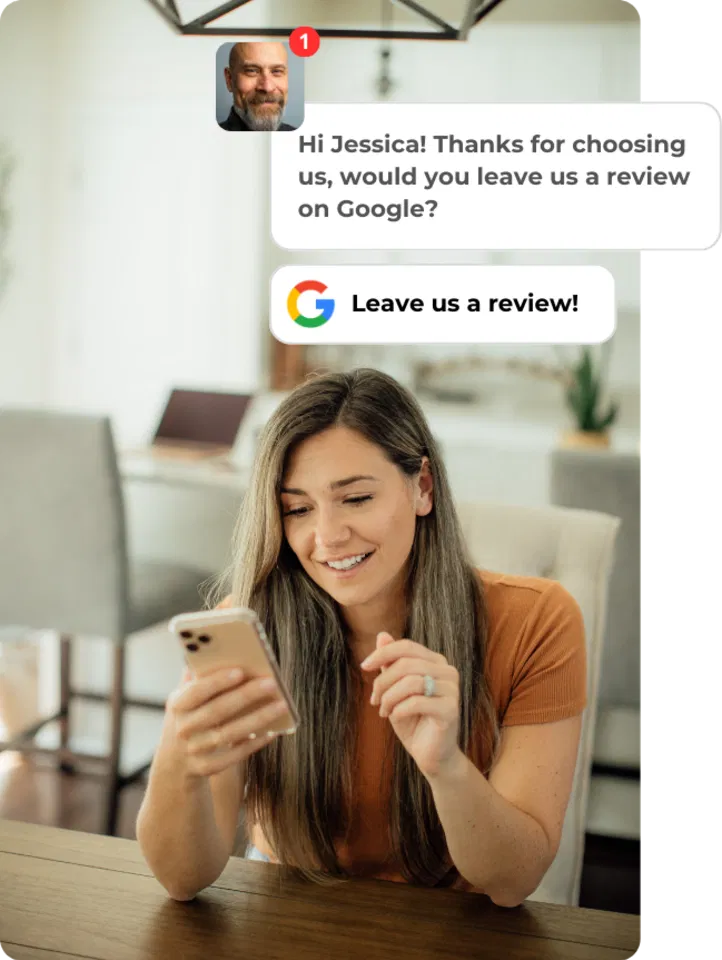
Automated review requests feel natural because patients already expect follow-up communication after appointments. A simple text or email that says "How was your visit?" with a link to leave a review doesn't feel aggressive: it feels like good customer service.
Why automation works:
- It removes the awkwardness of asking in person
- Patients can respond on their own time
- It's consistent (every patient gets asked, not just some)
- It catches patients when their experience is still fresh
One dental practice went from zero to 125+ Google reviews in just a few months using automated review collection. Their average rating? 4.9 stars. Their website traffic? Tripled.
If you want to learn more about automation options, check out our guide on AI automation hacks for review replies.
STEP 3: OFFER MULTIPLE LOW-FRICTION CHANNELS
Not every patient wants to receive a text. Some prefer email. Others might leave a review if they see a QR code while sitting in your waiting room.
The key is making it easy and giving patients options.
Channels that work well for medical practices:
- QR codes in waiting rooms, exam rooms, and on discharge paperwork
- Email signature links that passively invite reviews
- Follow-up texts sent within 24 hours of an appointment
- Website buttons linking to your Google Business Profile
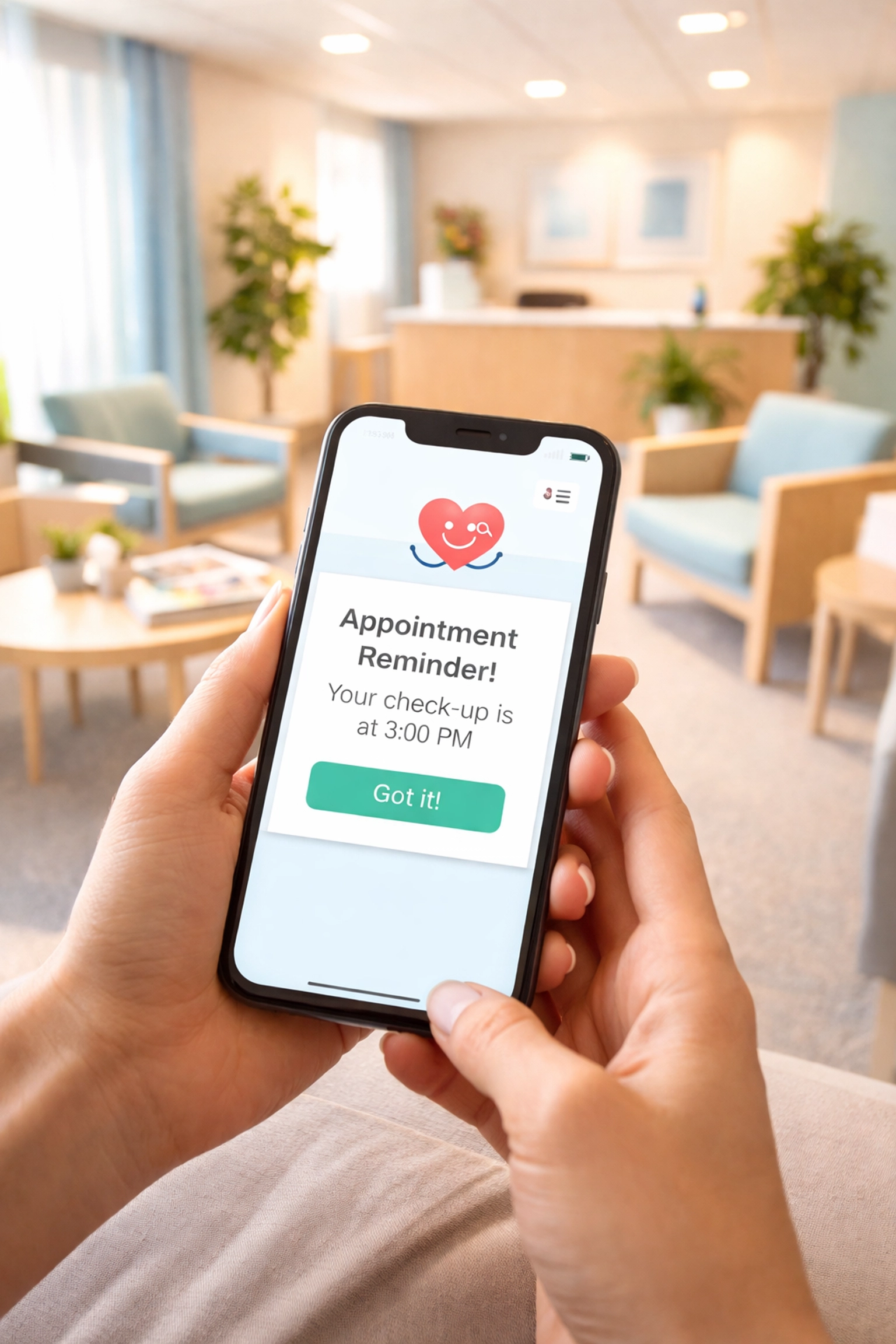
- Appointment reminder cards with a QR code on the back
The more touchpoints you create, the more opportunities patients have to leave feedback: without you having to ask directly.
STEP 4: FRAME IT AS FEEDBACK, NOT PROMOTION
Here's where most practices go wrong. They ask for reviews like they're asking for a favor. That feels pushy.
Instead, frame your request around improving patient care. Something like:
"Your feedback helps us serve you and other patients better. If you have a moment, we'd love to hear about your experience."
This shifts the focus from "help us look good online" to "help us get better at what we do." It's patient-centered, which feels natural in a healthcare setting.
Train your front desk staff to mention reviews casually during checkout or follow-up calls. A simple "We'd love to hear about your experience on Google if you get a chance" is plenty. No pressure, no scripts, no awkwardness.

STEP 5: TIME YOUR REQUESTS STRATEGICALLY
Timing matters more than you might think.
The best time to ask for a review is when a patient is most satisfied: usually right after a successful appointment or procedure. Their positive feelings are fresh, and they're more likely to follow through.
Good timing looks like:
- A text or email within 2-24 hours after their visit
- A QR code they can scan while still in your office
- A follow-up call where you mention reviews naturally
Bad timing looks like:
- Asking during a stressful procedure
- Sending requests weeks after an appointment
- Asking right after delivering difficult news
Use common sense here. If someone just got a tough diagnosis, don't ask them for a review. Read the room.
STEP 6: KNOW WHAT TO AVOID
Some tactics might seem tempting but will backfire: badly.
Never do these things:
- Don't offer incentives for reviews. This violates Google's policies and can get your reviews removed. Plus, 42% of consumers would consider incentivized reviews fake.
- Don't post fake reviews. It's unethical, it violates medical board standards, and Google is getting better at detecting them. Not worth the risk.
- Don't be aggressive. Asking once is fine. Following up repeatedly is not.
- Don't cherry-pick. Asking only certain patients for reviews can feel manipulative. Ask everyone consistently.
For more on what Google's cracking down on, read our post on Google's AI review detector and mistakes that could get your business flagged.
STEP 7: RESPOND TO EVERY REVIEW
Getting reviews is only half the battle. Responding to them matters just as much.
When you respond to reviews: both positive and negative: you signal to Google that your profile is active. This can boost your local search visibility. But more importantly, it shows patients that you actually care about their feedback.
For positive reviews: A simple thank you goes a long way. Personalize it if you can.
For negative reviews: Respond professionally, acknowledge the concern, and offer to make it right offline. Never get defensive or argue publicly.
Quick responses often turn unhappy patients into loyal ones. And potential patients watching will notice how you handle criticism.
We've written more about this in our article on why customers ignore businesses that don't respond to reviews.

PUTTING IT ALL TOGETHER
Getting 50+ Google reviews doesn't require pushy tactics or awkward conversations. It just requires a system.
Quick recap:
- Set up and optimize your Google Business Profile
- Automate review requests via text or email
- Offer multiple easy ways for patients to leave feedback
- Frame requests around improving patient care
- Time your asks strategically
- Avoid incentives, fake reviews, and aggressive follow-ups
- Respond to every review you receive
When you build this into your normal practice workflow, reviews accumulate naturally. Patients don't feel pressured, your team doesn't feel awkward, and your online reputation grows steadily over time.
For more tips on asking for reviews the right way, check out our full guide: How to Ask for Reviews Without Annoying Your Customers.