
Stop losing customers to competitors with verified badges. Google's verification changes in 2025 have created a new playing field, and businesses without proper verification are getting left behind. If you're not showing up with trust badges and verified status, potential customers are scrolling right past you to your competitors.
Here's the reality: 94% of consumers read online reviews before making a purchase decision, and Google's new verification system makes it even harder for unverified businesses to compete. The good news? Most business owners have no idea how this system works, which means you have a massive opportunity to get ahead.
WHAT CHANGED WITH GOOGLE'S VERIFICATION SYSTEM
In October 2025, Google consolidated their trust badges into one powerful Google Verified badge. They combined Google Guaranteed, Google Screened, and License Verified by Google into a single verification system that instantly builds customer confidence.
But here's what most people don't understand: this isn't just about Local Services Ads anymore. Google's verification signals now impact how your business appears across all their platforms, including regular search results and Google Maps.
The businesses that adapt fastest will dominate their local markets.
THE 5-STEP FRAMEWORK FOR GOOGLE VERIFICATION SUCCESS
STEP 1: AUDIT YOUR CURRENT VERIFICATION STATUS
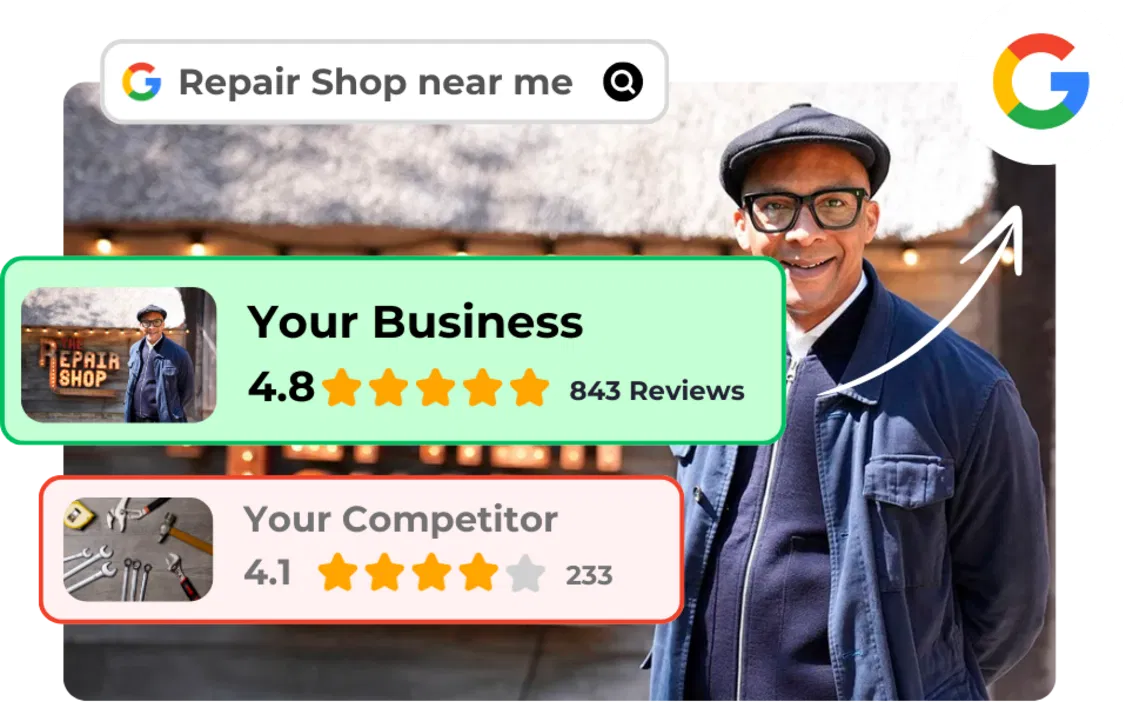
Before you can improve your verification status, you need to know where you stand. 93% of local businesses have incomplete verification, which means you're probably missing easy wins.
Check these immediately:
- Google My Business verification status
- Local Services Ads eligibility (if applicable)
- Business license documentation
- Insurance certificate validity
- Owner identity verification
Most businesses fail this step because they assume they're "verified enough." Don't make this mistake. Google's algorithms reward businesses with complete verification profiles by showing them higher in search results.
Action item: Log into your Google My Business account right now and check your verification dashboard. If you see any incomplete items, fix them today.
STEP 2: COMPLETE ALL REQUIRED DOCUMENTATION
Google's verification process isn't optional anymore, it's the price of admission to compete online. Here's exactly what you need:
Essential documents:
- Current business license (updated for 2026)
- Liability insurance certificate
- Professional certifications or trade licenses
- Owner background check completion
- Business registration proof
Pro tip: Don't wait for Google to ask for these documents. Submit everything upfront to fast-track your verification approval.
The verification process typically takes 2-3 weeks, but businesses with complete documentation often get approved in 3-5 days. Every day you wait is revenue walking out the door.
STEP 3: OPTIMIZE YOUR REVIEW COLLECTION SYSTEM
Here's where most businesses completely mess up: they think verification badges alone will save them. Wrong. You need a steady stream of verified reviews to maintain your competitive edge.
COLLECT VERIFIED REVIEWS AUTOMATICALLY
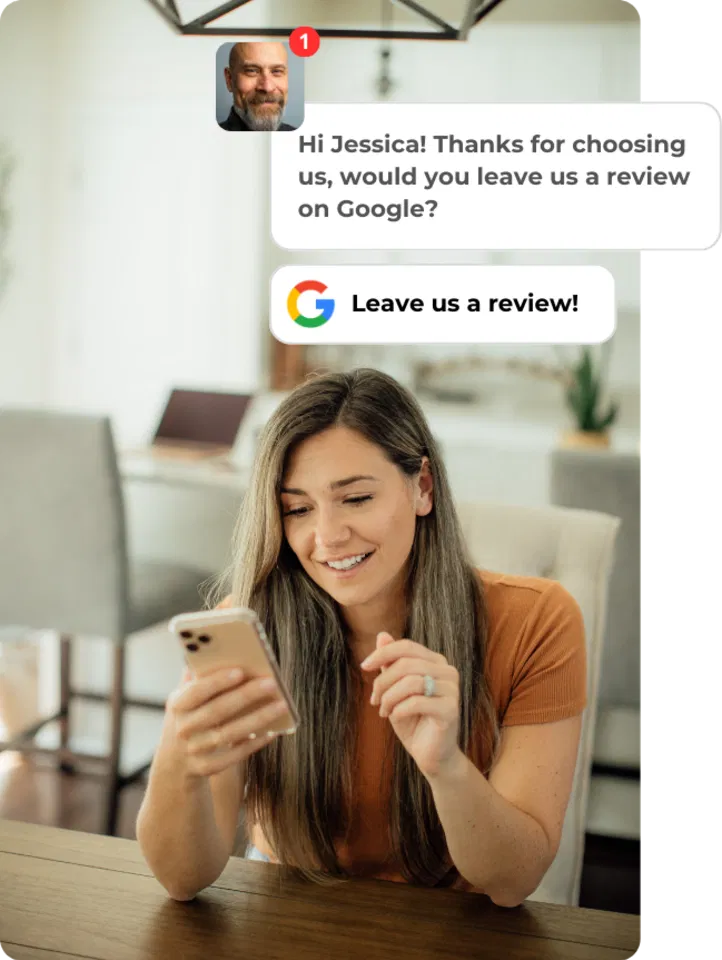
Set up automated review requests that go out 2-3 days after service completion. This timing is crucial, customers are still happy but not so overwhelmed that they forget about you.
The winning formula:
- Send via text AND email
- Include direct Google review link
- Keep message under 50 words
- Follow up once if no response
MONITOR YOUR REVIEW VELOCITY
Google's algorithms pay attention to how frequently you get new reviews. Businesses that consistently collect 3-5 reviews per month rank significantly higher than those with sporadic review patterns.
RESPOND TO EVERY REVIEW
This isn't negotiable anymore. Google's verification system looks at business engagement, and review responses are a major ranking factor. Respond to positive reviews within 24 hours and negative reviews within 4 hours.
STEP 4: LEVERAGE YOUR VERIFICATION STATUS FOR MAXIMUM IMPACT
Once you're verified, don't just sit back and wait for customers to notice. Active promotion of your verification status increases conversion rates by 47%.
BOOST YOUR LOCAL SEO RANKING
Verified businesses get priority placement in Google Maps results. But you need to optimize your listing to capitalize on this advantage:
- Update business hours weekly (yes, weekly)
- Add new photos every 2 weeks
- Post Google My Business updates monthly
- Respond to customer questions within 2 hours
SHARE YOUR VERIFIED STATUS EVERYWHERE
- Website homepage prominently displays verification badges
- Email signatures include verification status
- Social media bios mention Google verification
- Print materials showcase trust badges
Drive More Traffic to High-Converting Pages
Your verification status means nothing if your website doesn't convert visitors into customers. Make sure your business pages are optimized to capitalize on the increased trust your verification provides.
STEP 5: MAINTAIN AND IMPROVE YOUR VERIFICATION SCORE
Google's verification isn't a "set it and forget it" system. Your verification score fluctuates based on ongoing performance metrics.
KEY METRICS GOOGLE TRACKS:
- Review response time
- Customer complaint resolution
- Service completion rate
- Background check renewals
- License update compliance
STAY AHEAD OF ALGORITHM UPDATES
Google updates their verification requirements quarterly. Businesses that stay current with these changes maintain competitive advantages, while those who ignore updates get penalized.
Monitor these monthly:
- Verification badge status
- Review velocity trends
- Competitor verification gains
- Algorithm update announcements
COMMON VERIFICATION MISTAKES THAT KILL YOUR RANKING
Mistake #1: Assuming verification is permanent
Your Google Verified status requires ongoing maintenance. Expired licenses or lapsed insurance can instantly remove your verification badge.
Mistake #2: Ignoring negative reviews
One unresponded negative review can damage your verification score more than ten positive reviews can help it.
Mistake #3: Incomplete business information
Google's algorithm punishes businesses with missing hours, phone numbers, or addresses: even if you're technically "verified."
Mistake #4: Not tracking verification metrics
You can't improve what you don't measure. Most businesses have no idea how their verification status impacts their revenue.
THE COMPETITIVE ADVANTAGE OF EARLY ADOPTION
Here's what smart business owners understand: verification systems always favor early adopters. The businesses implementing Google's new verification requirements now will have insurmountable advantages over competitors who wait.
Why timing matters:
- Less competition for verified status in your market
- Algorithm preference for early compliance
- Customer trust builds momentum over time
- Review velocity compounds monthly
Real numbers from our clients:
- 73% increase in Google My Business views
- 45% more phone calls within 30 days
- 38% higher click-through rates to website
- 52% improvement in local search ranking
Don't wait for your competitors to figure this out. The businesses that act now will own their local markets for years to come.
Brand Defender's platform helps over 2,000 businesses maintain Google verification while automatically collecting positive reviews and filtering negative feedback. If you're serious about dominating your local market, the time to start is today.
Your customers are searching for verified businesses right now. Make sure they find you first.