
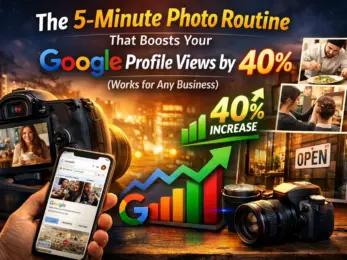
You've got a Google Business Profile. You respond to reviews. You keep your hours updated. But here's the thing most business owners miss: photos are doing more heavy lifting than you think.
A profile with regularly updated photos gets 30-50% more views than one without them. That's not a small bump: that's the difference between someone clicking on your competitor or clicking on you.
And if you're a plumber who just spent $800 on Google Ads last month, or a restaurant owner wondering why foot traffic is down, this might be the easiest fix you'll make all year.
Why Photos Actually Matter (The Numbers)
Google isn't shy about this. Profiles with fresh, quality photos see:
- 42% more requests for directions
- 35% more website clicks
- 30-50% more profile views overall
Translation? More people finding you. More people trusting you. More people walking through your door or calling your number.
The problem is that most business owners treat photos like a one-and-done task. You upload five pictures when you set up your profile in 2019, and then... nothing. Meanwhile, your competitors are adding new photos every week, and Google's algorithm is rewarding them for it.
Fresh content signals to Google that your business is active, engaged, and worth showing to searchers. It's not just about looking good: it's about staying visible.

The 5-Minute Weekly Routine
Here's the routine that works for busy people who don't have time to become professional photographers:
Every week, take one new photo. That's it.
Not ten. Not a full photoshoot. Just one solid image that fits into one of the "Big 5" categories below. Do this consistently, and you'll have 52 fresh photos by the end of the year. That's more than most of your competitors will upload in five years.
Here's how to rotate through the categories so you're not just taking the same exterior shot every week:
Week 1: Exterior
Snap a photo of your storefront, your service van, or the outside of your office. This is what people see first when they're driving by or searching for you.
Why it works: Customers want to know they're at the right place. A clear exterior shot removes uncertainty.
Quick tip: Take this one during golden hour (early morning or late afternoon) for better lighting. No fancy camera needed: your phone is fine.
Week 2: Interior
Show the inside of your business. Your waiting room. Your kitchen. Your workspace. Keep it clean, well-lit, and real.
Why it works: People want to know what to expect when they walk in. A warm, inviting interior photo builds trust before they even visit.
Quick tip: Turn on all the lights and open the blinds. Natural light makes everything look better.
Week 3: Team
Take a photo of yourself, your staff, or your crew in action. Smiling faces go a long way.
Why it works: People buy from people. Seeing who's behind the business makes it feel more human and trustworthy.
Quick tip: Avoid stiff, corporate headshots. A candid shot of your team working or laughing is way more engaging.

Week 4: Products or Work in Progress
Show what you actually do. A dish coming out of the kitchen. A freshly installed HVAC unit. A patient consultation room. Your finished work.
Why it works: This is proof that you know what you're doing. It shows competence and builds credibility.
Quick tip: Focus on the details. Close-ups of quality work are more compelling than wide, cluttered shots.
Week 5: Happy Customers (When Possible)
If a customer is willing, snap a quick photo with them. A handshake. A satisfied smile. Them holding your product.
Why it works: Social proof. When potential customers see real people enjoying your service, they're more likely to trust you.
Quick tip: Always ask permission first. And if customers are shy, you can still show "customer results" without faces: like a beautifully set table at your restaurant or a sparkling clean home after your cleaning service.
Keep It Real (No Stock Photos)
Here's the mistake a lot of businesses make: they download generic stock photos and upload them to their Google profile.
Don't do that.
Google can actually detect stock imagery, and it doesn't rank those profiles as highly. More importantly, customers can tell. A perfectly staged stock photo of a "diverse team smiling in an office" doesn't build trust: it does the opposite.
Your photos don't need to be perfect. They need to be real. A slightly blurry photo of your actual team beats a polished stock image every single time.
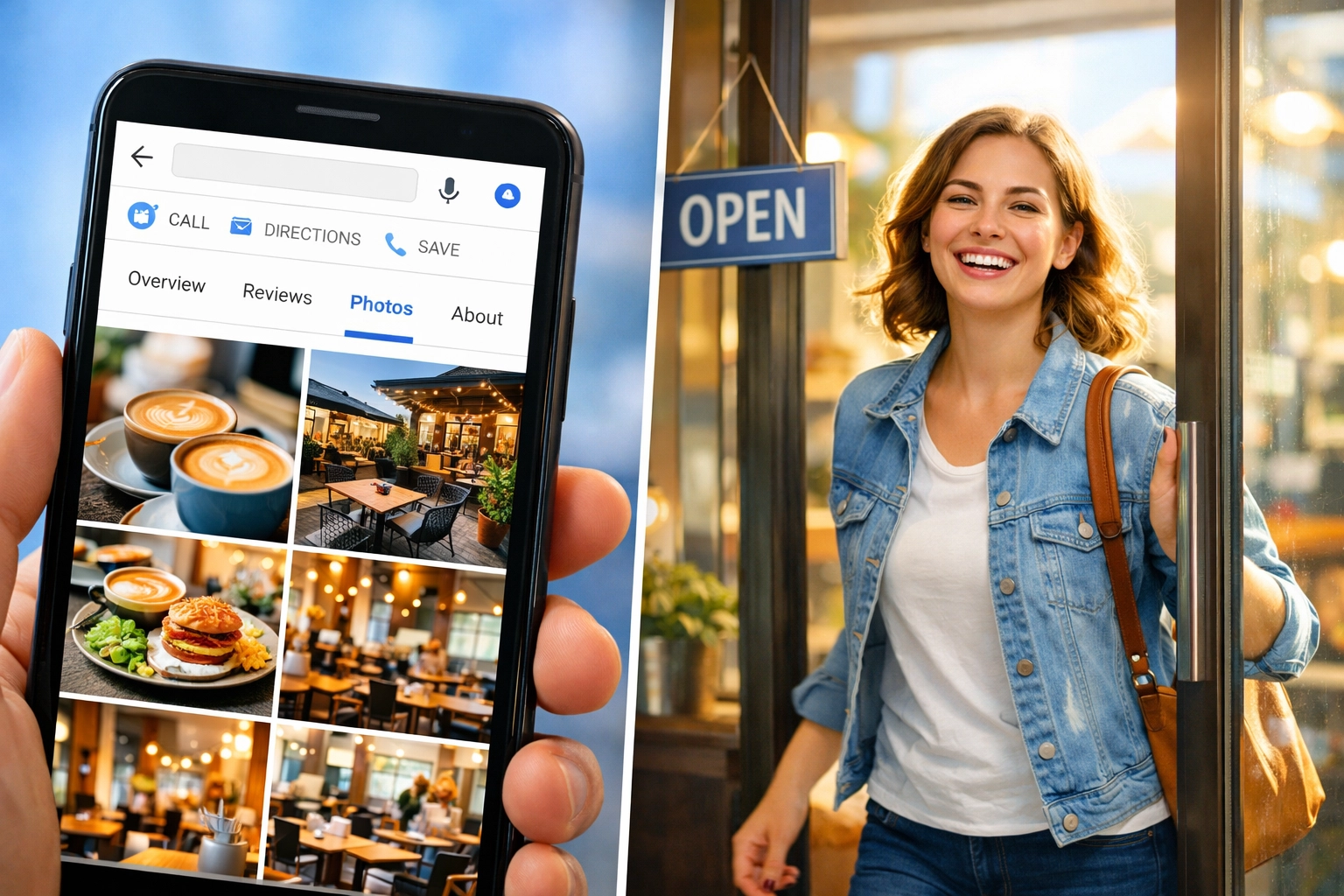
The Technical Stuff (Keep It Simple)
You don't need to stress about this, but here's what Google recommends:
- Minimum size: 720 x 720 pixels
- File type: JPG or PNG
- File size: Under 5MB
Most modern smartphones automatically shoot photos that meet these specs, so you're probably already good to go. If you want to resize or crop, there are free tools like Canva or even your phone's built-in editor.
One more thing: upload directly from your phone. It's faster, and you're more likely to stick with the routine if it's easy.
What Happens After They See Your Photos?
Here's the reality: photos get people to click on your profile. But photos alone don't close the deal.
Once someone lands on your Google Business Profile, they're looking for two things:
- Recent reviews (preferably a lot of them)
- Social proof that other people trust you
This is where most businesses drop the ball. They spend time uploading great photos, but then they have 12 reviews from 2022 and zero social media presence.
That's where Brand Defender comes in. While you're handling the photo routine, Brand Defender can automate the rest: getting you fresh reviews consistently, responding to them instantly, and turning those reviews (plus your great photos) into social media posts that drive even more visibility.
Think of it this way: photos are the bait. Reviews and social proof are what reel them in. You need both working together.
If you're tired of manually juggling all these tasks, check out how Brand Defender automates the whole process so you can focus on running your business instead of managing your online reputation.
The Bottom Line
Five minutes a week. One photo. Five rotating categories.
That's the routine. No expensive equipment. No professional photographer. Just consistency.
The businesses that win online in 2026 aren't the ones with the biggest marketing budgets: they're the ones that show up regularly, stay active, and give Google (and customers) fresh reasons to trust them.
Start this week. Pull out your phone, take one solid exterior shot, and upload it to your Google Business Profile. Then do it again next week. And the week after that.
Forty-two percent more direction requests and 35% more website clicks are waiting on the other side of this simple habit.