
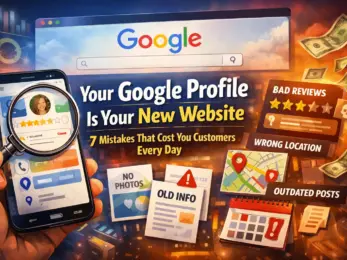
Here's the reality: most people never make it to your actual website.
When someone searches for "coffee shop near me" or "plumber in Brooklyn," they're looking at your Google Business Profile first. Your star rating, your photos, your hours, your reviews: that's your storefront now. And if anything looks off, outdated, or incomplete, they're clicking on your competitor before you can say "visit our website."
Your Google Profile isn't just another listing. It's your digital front door. And right now, you might be slamming it in customers' faces without even knowing it.
Let's fix that. Here are seven mistakes that are costing you real customers every single day.
MISTAKE #1: Your Business Hours Are Wrong (Or Missing)
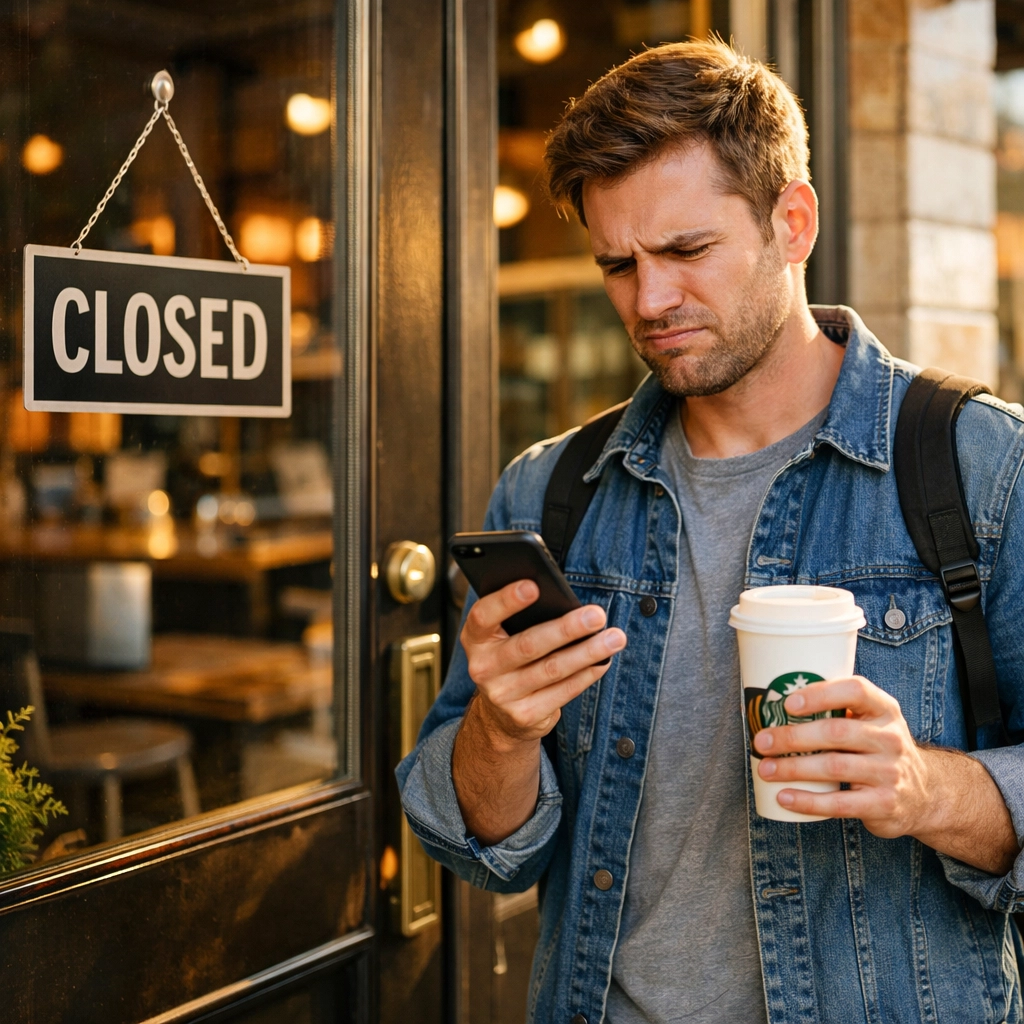
Nothing frustrates a customer more than showing up to a closed business. And nothing tanks your reputation faster than a one-star review that says "Drove 20 minutes and they were closed even though Google said they were open."
Your business hours need to be accurate, updated, and complete. That includes:
- Regular hours for every day of the week
- Special hours for holidays
- Temporary closures or adjusted hours
If you're closed for Thanksgiving or opening late next Tuesday for staff training, update your Google Profile. Customers check it before they leave the house, and when the info is wrong, they blame you: not Google.
MISTAKE #2: You're Not Adding Fresh Photos
When was the last time you added a photo to your Google Profile? If you can't remember, that's a problem.
Customers want to see what your business actually looks like right now. Old photos, no photos, or just a single exterior shot from 2019? That tells people you're not paying attention. Or worse, that you're not even open anymore.
Here's what you should be posting regularly:
- Interior shots of your space
- Your team at work
- New products or menu items
- Before-and-after photos (if applicable)
- Happy customers (with permission)
Profiles with regular photo updates get more engagement. Period. Google rewards active profiles with better visibility, and customers trust businesses that show they're current and thriving.
Need help with this? We covered 5 photo tips to boost your Google Profile visibility that take less than five minutes.
MISTAKE #3: You're Ignoring Your Reviews
You know those reviews sitting unanswered on your profile? Every potential customer sees them. And when they see you haven't responded: especially to negative ones: they assume you don't care.
Responding to reviews isn't optional anymore. It's part of running a business in 2026. Here's why it matters:
- Google's algorithm favors profiles with active engagement
- 88% of customers ignore businesses that don't respond to reviews (seriously, check this out)
- A thoughtful response to a bad review can actually win new customers
You don't need to write a novel. A simple "Thanks for your feedback, we're working on this" goes a long way. And for positive reviews? "Thanks for choosing us!" takes five seconds and shows you're paying attention.
The businesses winning right now are the ones treating their Google Profile like a two-way conversation, not a billboard.

MISTAKE #4: You're Not Using Your Action Buttons
Your Google Profile has buttons. Buttons that let customers book appointments, call you, visit your website, or place an order. If those aren't set up, you're making it harder for people to give you money.
Check your profile right now:
- Is your phone number clickable?
- Can people book directly from your profile?
- Is your "Order Online" button working?
- Does your website link actually go to your homepage (not a broken page)?
These buttons are conversion gold. Customers don't want to hunt around for your contact info. They want to click once and connect. If that option isn't there, they're moving on to the next search result.
MISTAKE #5: Your Business Info Is All Over the Place
Your Google Profile says your address is 123 Main Street. Your website says 123 Main St. Your Facebook page says 123 Main Street, Suite A. Guess what? Google notices. And it doesn't like it.
Inconsistent NAP (Name, Address, Phone number) information confuses Google's algorithm and confuses your customers. It makes you look unprofessional, and it can actually hurt your local search rankings.
Here's the fix:
- Make sure your business name, address, and phone number are exactly the same everywhere online
- Double-check your Google Profile, website, social media, and any directories you're listed on
- If you've moved or changed your phone number, update everything at once
Consistency builds trust with Google and with customers. Inconsistency does the opposite.
MISTAKE #6: Your Business Category Is Wrong
This one's sneaky. You might not even realize your primary business category is hurting you.
If you're a pizza restaurant but your category is listed as "Restaurant" (too broad), you're missing out on searches for "pizza near me" or "best pizza in [your city]." Google uses your category to decide when to show your business in search results.
Check your primary category right now. Is it:
- Specific enough to match what customers are actually searching for?
- Accurate to your main service or product?
- More relevant than the secondary categories you've chosen?
Sometimes a small tweak here can completely change your visibility. A nail salon should be listed as "Nail Salon," not "Beauty Salon." A divorce attorney should be "Divorce Lawyer," not just "Law Firm."
Get specific. Your competition already is.

MISTAKE #7: Your Profile Looks Half-Finished
Incomplete profiles scream "we don't care." And customers interpret that as "they probably don't care about their service either."
Here's what you need to fill out completely:
- Business description (tell people what you do and why you're different)
- Services or products you offer (list them out: Google uses this for search matching)
- Attributes (women-owned, wheelchair accessible, outdoor seating, etc.)
- Payment methods accepted
- FAQs and Q&A section
An incomplete profile isn't just a missed opportunity. It's actively costing you customers who click on a competitor with a more complete, trustworthy-looking listing.
The Bottom Line: Your Google Profile IS Your Website Now
You can have the most beautiful website in the world. But if your Google Profile is a mess, most customers will never see it.
They'll see outdated hours, unanswered reviews, and no photos. They'll see missing info and broken buttons. And they'll move on to a competitor who looks like they have their act together.
Managing all of this sounds like a lot of work. And honestly? It can be: if you're doing it manually.
That's exactly why Brand Defender exists. We help busy small business owners keep their Google Profile updated, their reviews managed, and their online presence looking professional: without spending hours every week on it.
Think of us as the team that makes sure your digital front door is always open, welcoming, and ready to turn browsers into customers.
Because in 2026, your Google Profile isn't just a listing. It's your first impression, your reputation, and your biggest marketing asset all rolled into one.
Don't let simple mistakes cost you customers every single day. Learn how Brand Defender can help you manage it all effortlessly.